Adobe released Camera Raw 19.0 on November 10, 2026, the same week as its Adobe MAX announcements. Camera Raw is the raw editor built into Photoshop and Bridge, and it runs on the same engine as Lightroom. This update is less flashy than the MAX stage demos, but for anyone who edits hundreds of event photos at a time, it may be the more useful one.
The headline feature is called Mark to Remove: a way to flag distractions across a whole set of photos and clean them up in one batch. Here is what is new, how it fits into an event and headshot workflow, and where Grey Bug Photography draws the line on AI cleanup.
What is new in Camera Raw 19
According to Adobe’s release notes and its community announcement, version 19.0 adds:
- Mark to Remove: brush over a distraction, mark it instead of removing it right away, then run Generative Remove on every selected photo together. Marks are saved between sessions and can be copied to photos with similar framing.
- Virtual copies: try several edits of one photo, such as color and black-and-white, without duplicating the original file. Each copy can be saved as its own output.
- Stacks and Auto-Stack: group related frames, like bursts or brackets, under one thumbnail. Auto-Stack by capture metadata currently supports recent Canon and Nikon cameras and DNG files.
- Hide Photos: temporarily hide frames, or show only your picks, so you can focus on the keepers.
- Motion and Streak Glow: two new Glow styles that stretch highlights into streaks, with Direction and Softness controls.
- Wider Denoise support: noise reduction now works on JPEG, HEIC, TIFF, PNG and other formats, not just raw files.
PhotographyTalk and Tutkit both point out that Generative Remove needs an internet connection, so batch cleanups should run while you are online.
How to use Mark to Remove on an event set
Event photos are full of small, repeating distractions: a glowing exit sign behind the stage, a cable taped across the floor, a stray water bottle on the podium, a light stand at the edge of the frame. When the camera stays in one spot for a keynote or panel, those distractions sit in the same place frame after frame. That is where this feature shines.
- Cull first. Pick your keepers before you clean anything. Use Hide Photos or stacks to get rejects and bursts out of the way.
- Group by framing. Mark to Remove works best on photos taken from the same position, such as a tripod series or a run of stage shots from one spot.
- Mark one frame carefully. Hold Alt on Windows or Option on Mac, and the Remove button becomes Mark to Remove. Brush only the distraction, not the people or the set.
- Copy the marks to matching frames, then run the batch.
- Check every result at 100 percent. AI fills can smear a hand, a microphone or a logo. A quick review catches it before a client ever sees it.
Virtual copies help too. When a client wants a color version for the website and a black-and-white version for print, you can keep both edits on one file instead of juggling duplicates.
Where we draw the line
Faster cleanup is great. Changing what happened is not. At Grey Bug Photography, event coverage is a record of your day, so we keep edits honest:
- We remove clutter, not people. An exit sign, a stray cable or a trash can can go. Guests, speakers and sponsors stay.
- Headshots should still look like you. Cleanup means stray hairs, lint and a distracting background spot, not a new face.
- Brand and signage stay accurate. We do not invent or alter logos, banners or sponsor walls.
- We get it right in camera first. Moving a water bottle before the keynote beats fixing it in 200 frames later.
Camera Raw also lets you turn generative AI features off in its preferences, which is a good option for clients or projects that require no AI edits. If your organization has a policy on AI editing, tell your photographer before the event.
About that new Glow
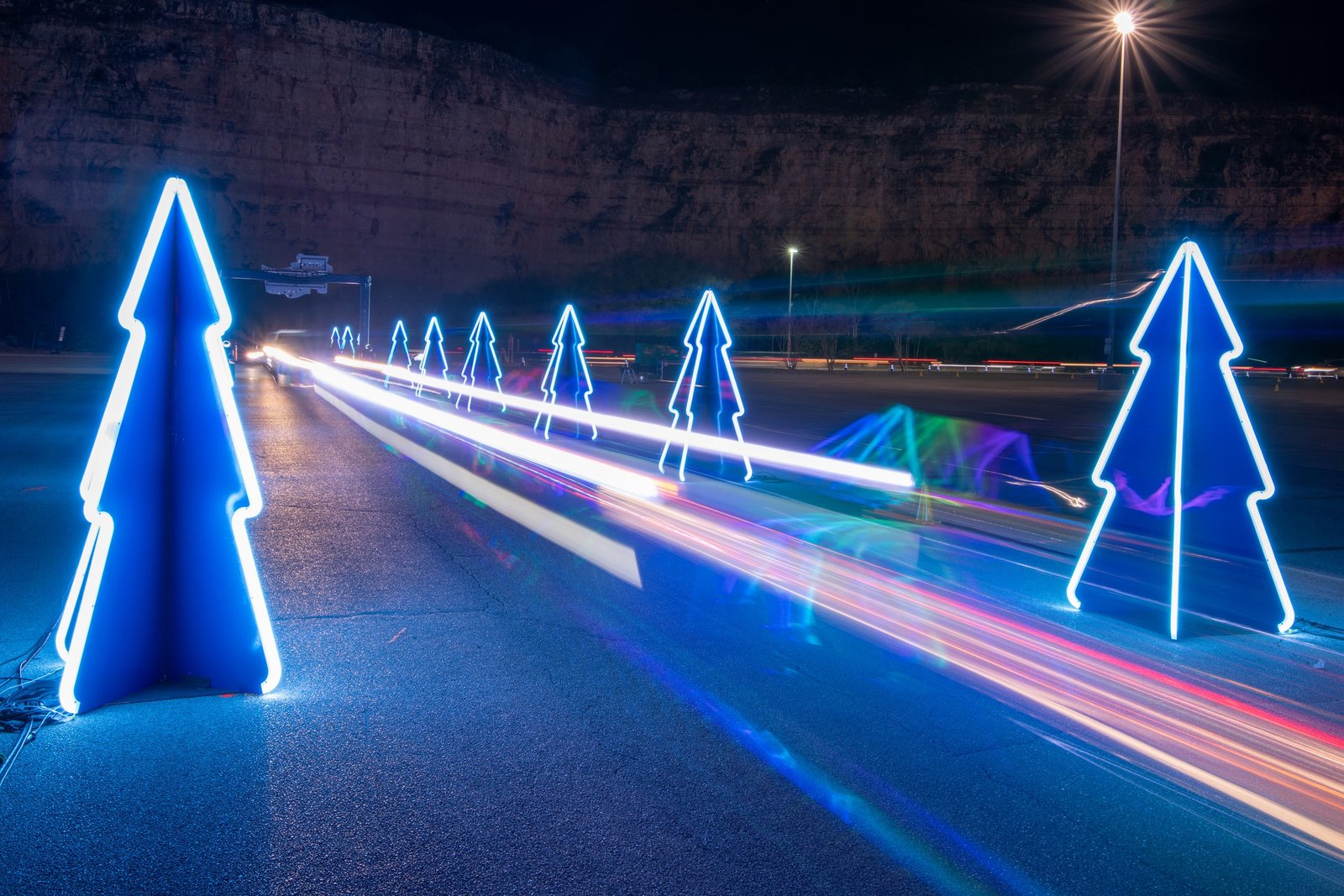
The featured photo above shows real light trails, captured with a long exposure at a holiday light show in San Antonio. Motion and Streak Glow can add a similar streak effect to a still photo. It can be fun for a social post, but we still prefer to create the effect in camera when the scene allows. It looks more natural, and it reflects what was really there.
What this means for your photos
For event and headshot clients, tools like these mostly mean one thing: cleaner photos, delivered sooner. Less time spent on repeated fixes means more time spent choosing the best moments and getting your gallery to you faster.
Sources: Adobe Camera Raw release notes, November 2026 (version 19.0); “Adobe Camera Raw 19.0 Is Here,” Adobe Community announcement, November 10, 2026; PhotographyTalk and Tutkit coverage of Camera Raw 19, November 12, 2026.
Planning a conference, gala, summit or team headshot day in San Antonio or elsewhere in Texas? Reach out to Grey Bug Photography, or see how we work with planners on our For Planners page.