Hasselblad and Capture One have delivered the feature studio shooters were waiting for: wired tethered shooting for the Hasselblad X2D II 100C. Plug the camera into a computer with a USB cable and every 100-megapixel frame shows up in Capture One at full resolution moments after you press the shutter. It is a niche camera, but the idea behind it matters to anyone booking a headshot day or a product shoot in San Antonio: seeing the picture big, right away, while everyone is still on set.
What Hasselblad and Capture One announced
The update was announced on November 18 and covered by PetaPixel, DPReview and Macfilos. In short:
- Firmware 1.4.15.7 for the X2D II 100C adds wired tethering support.
- Capture One 16.9.1 on desktop and Capture One Mobile 4.3.0 can now tether the camera, with Live View listed in the Capture One release notes.
- Full-resolution previews. Each frame lands on screen at full size, so focus and exposure can be checked while the set is still lit.
- Adjustments carry forward. Grades and masks applied to the first frame carry over to the shots that follow.
- X2D II only, for now. The original X2D 100C and the CFV 100C digital back got Capture One raw support in July, but they are not part of this tethering release.
- A longer trial. Capture One is offering Hasselblad owners a 90-day trial.
It also ends a long gap. Capture One used to belong to Phase One, a Hasselblad rival, and for years Hasselblad files had no native support in it. The two companies announced a partnership in July, and tethering was the next promised step.
Why tethering matters on a real shoot
1. A camera screen hides small problems
A 3-inch screen makes almost everything look sharp. A laptop or monitor at full size shows a missed eye, a stray hair, a reflection on a bottle label or a smudge on a product. Catching that on set takes seconds. Catching it in editing can mean a reshoot. If soft images are a worry for you, our guide on why portraits and headshots look soft covers the usual causes.
2. Clients can watch without crowding the photographer
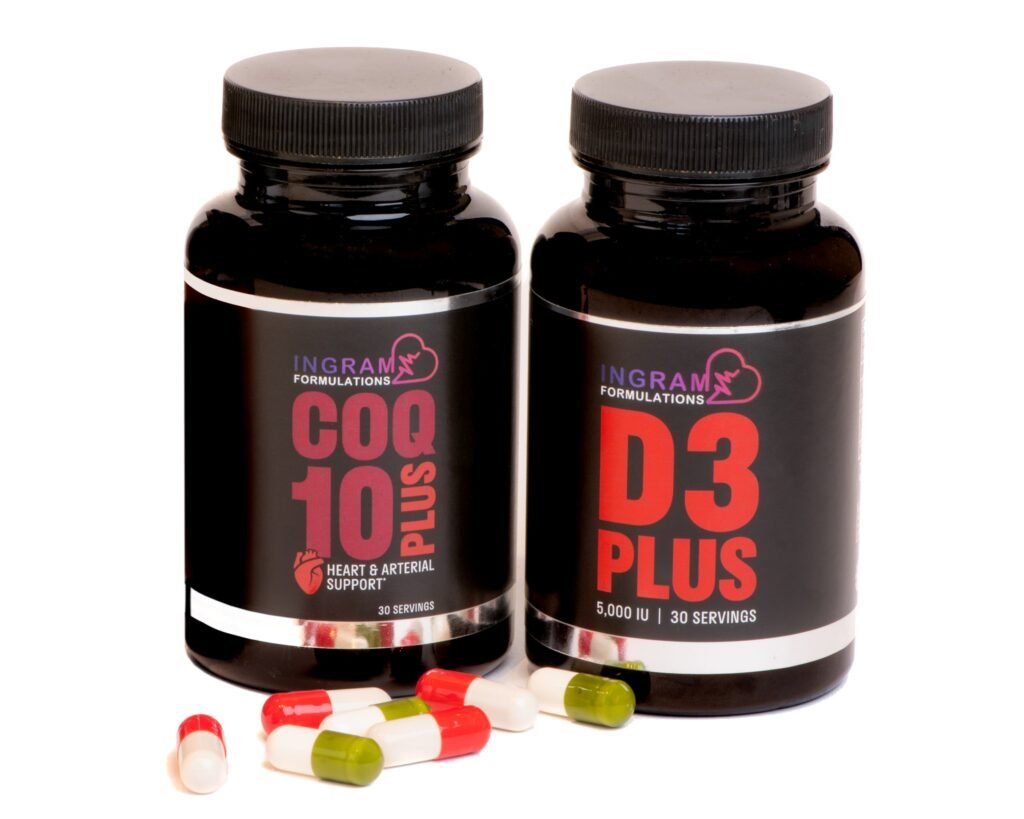
As PetaPixel points out, it is much easier for an art director or marketing manager to watch a monitor than to look over the photographer’s shoulder at the back of the camera. For product work like the setup above, the client can approve a label angle or a lighting change before the next product goes on the table.
3. Consistency across a long session
When the look from the first frame carries over to every shot after it, a team headshot day or a 40-product catalog shoot stays consistent. That is the same reason we lock in white balance and lighting at the start of every headshot station.
4. Less guesswork for the people in front of the lens
Headshot clients relax when they can see a good frame on a screen. A quick look at the monitor often does more for confidence than any amount of “you look great.”
Our take as Nikon shooters
We do not shoot Hasselblad. Grey Bug has used the Nikon Z9 and Z8 since launch for events and headshots, and we covered how tethering works in Adobe’s apps in our post on Lightroom tethered shooting on desktop and iPad. Whatever the camera or software, the same habits keep a tethered session smooth:
- Test the full chain before the client arrives. Camera firmware, software version, cable and computer all have to match. The Hasselblad release needs both the new firmware and the new Capture One version.
- Use a long, quality cable and secure it. A tripped cable can pull on the camera port or the laptop. Tape it down or use a cable lock.
- Keep a card in the camera. If the connection drops, you still have a backup.
- Name the session up front. Set up file naming and folders before the first frame so delivery is easy at the end of the day.
- Have a plan if tethering fails. Shoot to cards and review on the camera screen, then import at the break. The session should never stop because a cable did.
Gear links
Shopping for a tethered studio setup? Here are current listings:
- Hasselblad X2D II 100C medium format camera: Buy at Adorama
- Tether Tools TetherPro USB-C tethering cables: Buy at Adorama
- Nikon Z8, our everyday headshot and event body: Buy at Adorama
Disclosure: some links in this post are affiliate links, which means Grey Bug Photography may earn a small commission if you buy through them, at no extra cost to you.
What to ask your photographer before a headshot or product shoot
- Will we be able to see images on a laptop or monitor during the session?
- Can our team approve key shots on set before moving on?
- What happens if the tethering connection drops?
- How will files be named and delivered at the end of the day?
The takeaway
Capture One tethering for the Hasselblad X2D II 100C is a big deal for a small group of medium format shooters, but the lesson is for everyone: the sooner you see a frame at full size, the sooner you can fix it. For headshot days and product shoots in San Antonio, tethering means fewer surprises, faster approvals and a more confident team in front of the camera.
Sources: PetaPixel, November 18, 2026; DPReview, November 19, 2026; Macfilos, November 19, 2026; Capture One 16.9.1 release notes, November 18, 2026.
Planning a team headshot day, product shoot or event in San Antonio or anywhere in Texas? See our headshot photography and event photography pages, or contact Grey Bug Photography to talk about your session.