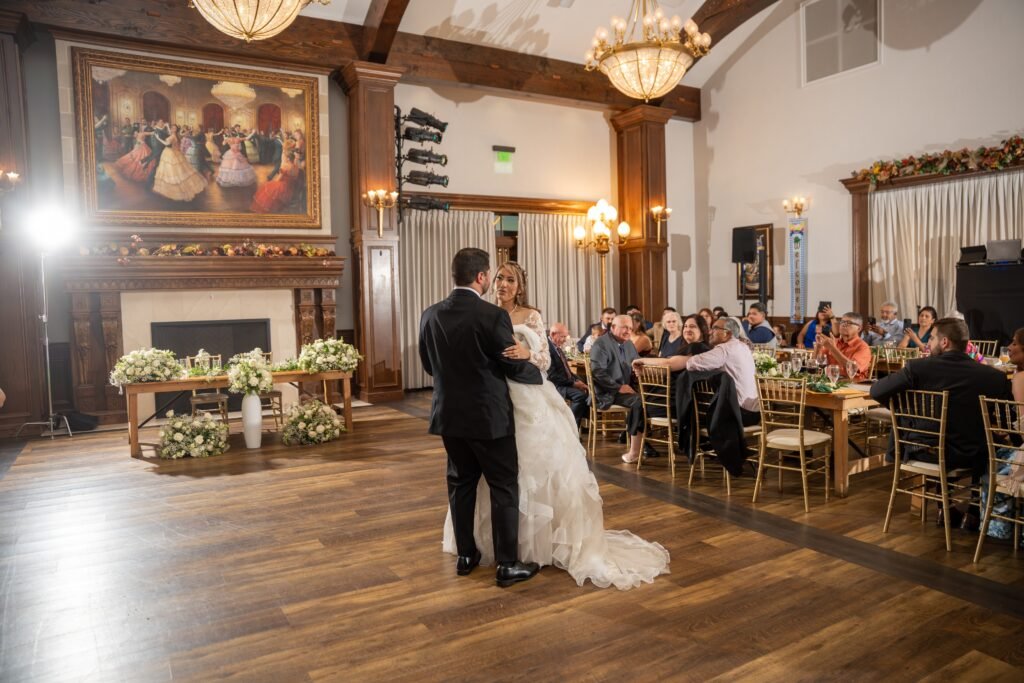
If you have ever posted a great event recap reel, a wedding highlight clip, or a behind-the-scenes video from a launch party, there is a good chance someone else has reposted it without asking. Sometimes they give credit. Often they do not. And lately, some accounts go further, using AI to swap the faces or visuals while keeping the original words. On November 17, 2026, Instagram announced a new tool aimed squarely at that problem. Here is what Instagram’s Content Protection does, what it does not do, and what San Antonio event hosts, couples, venues, and brands can do now to keep credit for their videos.
What Instagram announced
Instagram head Adam Mosseri announced that Instagram is beginning to roll out a feature called Content Protection. Meta launched a similar tool on Facebook last year and is now bringing it to Instagram. According to TechCrunch, The Verge, and PetaPixel, here is how it works:
- It watches for copies of your original videos. Once an eligible creator enrolls, Instagram scans for visual matches of their original Reels across Instagram and Facebook and sends an alert when it finds one.
- You decide what happens next. For each match, you can see how many views the copy has, keep tracking it, hide it from everyone on Instagram and Facebook, add an “original by” credit link that points viewers back to your video, or release your claim and let it stay up.
- New videos are protected automatically. After you enroll, every original video you post going forward is covered, and you can manually add eligible older videos.
- There is an allow list. Accounts you have given permission to, such as a second profile, a collaborator, or a brand partner, can be added so their posts are not flagged.
- AI copycats are next. Instagram says it will soon test detecting AI-generated videos that reuse the spoken words from a creator’s original video even when the visuals have been replaced, starting with a small group of creators in the coming weeks. It is also exploring ways to limit the reach of accounts that repeatedly use AI to repost other people’s work.
What it does not do (yet)
- It is about video, not still photos. Content Protection looks for matches of original videos. Your event photos and headshots are not covered by this tool.
- Not everyone has it. It is rolling out to eligible creators who meet Instagram’s originality and integrity standards. If you qualify, an invitation appears in your activity feed; others can apply. Meta has said it is still a limited rollout and that it will not get everything right at first.
- It does not settle who owns a video. The tool helps the account that posted the original. It does not replace a clear agreement about who created the footage and how it may be used.
Why this matters for event hosts, couples, and brands
Events produce exactly the kind of video that travels: a grand entrance, a first dance, a keynote applause line, a product reveal, a crowd shot from a festival on the River Walk. Those clips are what aggregator and repost accounts love to grab. Whether the video was made by your guests, your in-house team, or a hired photographer and videographer, the business or couple who shared it first is the one who loses the views, the tags, and the leads when it gets reposted without credit.
A tool that can add a credit link back to the original is a real improvement, especially for venues, planners, nonprofits, and small businesses that rely on Instagram to show off what their events look like. It is also a reminder to think about sharing before the event, not after the clip goes viral.
Practical steps to protect your event videos
- Post the original yourself, first. Detection tools work from the original upload. Put your recap reel on your own account before you send the file around to everyone else.
- Check your activity feed for the invite. If your business or venue account is eligible, enroll and protect your older event videos too.
- Use the allow list for your partners. Add the venue, the planner, sponsors, and anyone else you want to be able to share the video, so your own team is not flagged as a copycat.
- Agree on credit and tags up front. Decide who posts first, which accounts get tagged, and how the photographer or videographer is credited. It makes sharing smoother for everyone.
- Know your usage rights. Your contract should say how you can use the photos and video from your event. We covered the basics in our post on photo licensing for event photos and headshots.
- Keep the full-quality files. Hold on to the original video and photo files, not just what is on social media. They are your proof of what you posted first, and they look far better than a compressed repost.
- Remember photos still need care. Since this tool is for video, still photos depend on good habits: credit lines, posting from your own account, and sharing the full gallery link instead of loose screenshots. Our post on protecting your event and headshot photos has more ideas.
How we think about it at Grey Bug Photography
We want our clients to share their photos and video. That is the whole point of event coverage. When we deliver a gallery or recap clips, we are glad to talk through how and where you plan to post them, who should be tagged, and what your usage terms allow. If you are planning a recap reel, our guide to filming and editing a high-energy event sizzle reel is a good place to start.
The takeaway
Instagram’s Content Protection gives creators a way to spot copies of their original videos, hide them, or add a credit link back to the source, and it is starting to go after AI copycats too. It does not cover still photos and it is not available to everyone yet, so the basics still matter: post the original yourself, agree on credit before the event, and keep your full-quality files.
Sources: TechCrunch, “Instagram’s new tool for creators targets unauthorized reposts and AI-modified videos,” November 17, 2026; The Verge, “Instagram is helping creators crack down on copycat videos,” November 17, 2026; PetaPixel, “Instagram’s New Tool Helps Creators Assert Their Rights,” November 18, 2026.
Planning an event, wedding, or brand launch in San Antonio or anywhere in Texas and want photos and video you can proudly share? Reach out to Grey Bug Photography, or see how we work with planners on our For Planners page.