Nikon quietly pushed out a small batch of firmware updates last week: Z9 firmware 5.33, Z8 firmware 3.12, and version 1.10 for two of its most popular pro zooms, the NIKKOR Z 24-70mm f/2.8 S II and the NIKKOR Z 14-24mm f/2.8 S. None of these updates add flashy new features, but if you shoot events or headshots on a Z8 or Z9, they deal with exactly the kind of problem you never want to see in the middle of a keynote: a camera that stops responding.
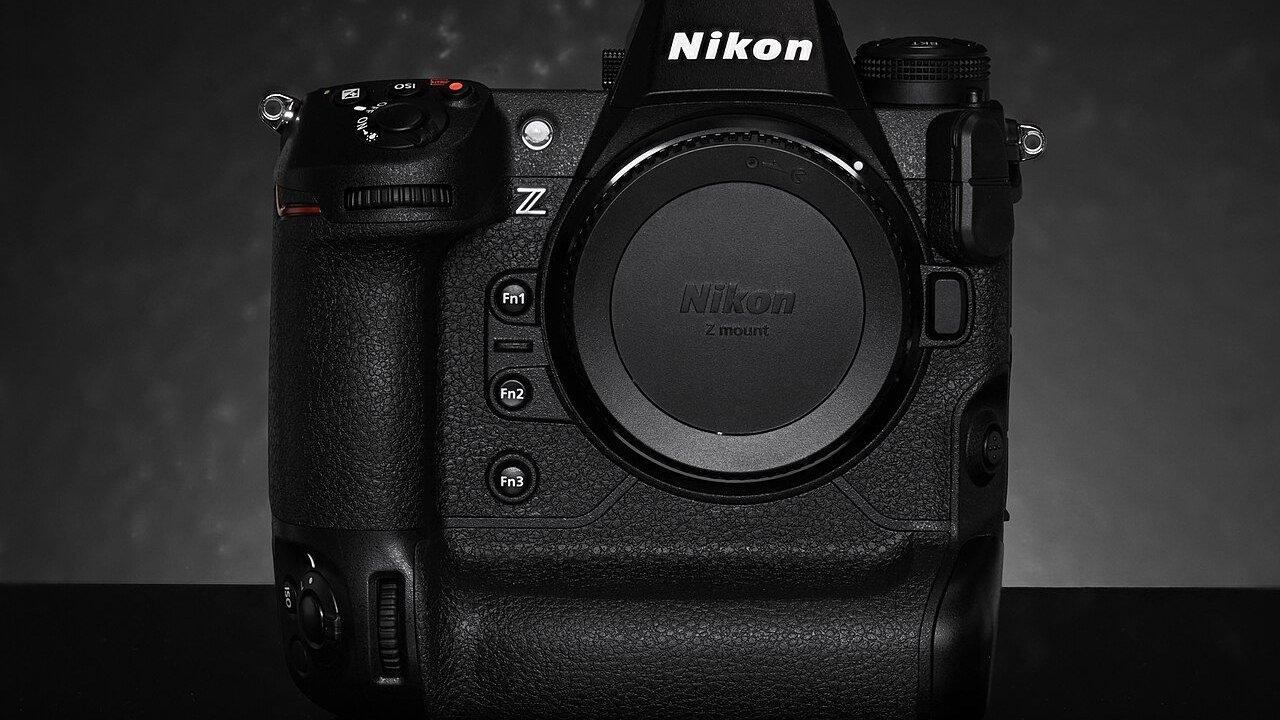
What’s in the Nikon Z9 5.33 and Z8 3.12 firmware
According to Nikon’s Download Center, which posted both files on October 20, 2026, the camera updates contain one fix: they resolve an issue that “would cause the camera to stop responding with some lenses.” That’s the whole changelog. Nikon has not said which lenses were involved, and Digital Camera World pointed out in its October 23 coverage that the lack of detail makes it hard to know whether your exact kit was affected.
Even so, a freeze fix is the kind of update working photographers pay attention to. A lockup that forces you to pull the battery is a minor annoyance on a walk around town, and a real problem during a ribbon cutting, an awards hand-off, or a fast-moving line of headshots.
The lens updates: 24-70mm f/2.8 S II and 14-24mm f/2.8 S
Nikon also posted firmware 1.10 for two lenses on October 22:
- NIKKOR Z 24-70mm f/2.8 S II: Nikon lists improved aperture operation reliability and reduced aperture operation noise. Quieter aperture movement is a nice bonus for anyone recording video at speeches or in quiet rooms.
- NIKKOR Z 14-24mm f/2.8 S: When the focus ring rotation setting is anything other than “Non-linear,” manual focus now moves by how far you turn the ring, not how fast. Before, a quick turn could make focus jump a long way. This is a welcome change for anyone who manually focuses wide shots of stages, venues, or architecture.
Should you update right away?
Digital Camera World’s advice was to wait a few weeks before installing new firmware so any new bugs have time to surface. That is sensible for most people. Our take for working event and headshot photographers is a bit more practical:
- If you’ve had freezes or lockups with a particular lens on your Z8 or Z9, this update is aimed squarely at you. Install it, then test it.
- If everything has been rock solid, there’s no rush. Update during a quiet week, not the night before a big job.
- Never update the morning of a shoot. Give yourself a full practice session with your real lenses, cards, and settings afterward.
How to update safely
Nikon’s instructions include a few cautions worth repeating:
- Check your current version first under Firmware version in the Setup menu. If you already have 5.33 (Z9) or 3.12 (Z8), you’re done.
- Use a Nikon lens or adapter during the update. Nikon warns against updating with anything other than a Z-mount NIKKOR lens or an FTZ / FTZ II adapter attached. Take off third-party lenses and adapters first.
- Save your IPTC presets. Nikon notes that updating a Z8 from very old firmware (1.01 or earlier) deletes in-camera IPTC presets, so copy them to a card first. If you use IPTC presets for captions and credits at events, back them up no matter what version you’re on.
- Save your menu settings to a card. It takes 30 seconds and saves you from rebuilding custom buttons if something goes wrong.
- Use a fully charged battery and a card reader and computer to copy the file to the card, as Nikon’s instructions require.
What this means for San Antonio event and headshot clients
If you’re booking a photographer for a conference, gala, or team headshot day, you’ll never see firmware updates, and that’s the point. Keeping cameras and lenses updated, tested, and backed up is part of the behind-the-scenes work that keeps a shoot running smoothly. At Grey Bug Photography, gear gets updated and tested between jobs, not on the day of your event, so your time with the camera goes to great photos instead of troubleshooting.
The bottom line
Nikon’s October firmware round is small but useful: a stability fix for the Z9 and Z8, quieter and more reliable aperture control on the 24-70mm f/2.8 S II, and more predictable manual focus on the 14-24mm f/2.8 S. If you shoot Nikon professionally, put it on your list for the next quiet week, follow Nikon’s safety steps, and test before your next booking. Planning an event or headshot session in San Antonio? Reach out to Grey Bug Photography and let’s plan your coverage.