OBSBOT announced two new PTZ (pan-tilt-zoom) cameras on October 30, 2026: the Tail 2 ADV and the Tail Air 2. Both are built for live streaming, remote filming and multi-camera productions, and both add OBSBOT’s first Log profile with custom LUT support. Pre-orders open November 4, 2026 at midnight Pacific time, and OBSBOT is running a trade-in offer worth up to 300 US dollars off. Final prices had not been announced yet when What Digital Camera and OBSBOT’s own launch page shared the details.
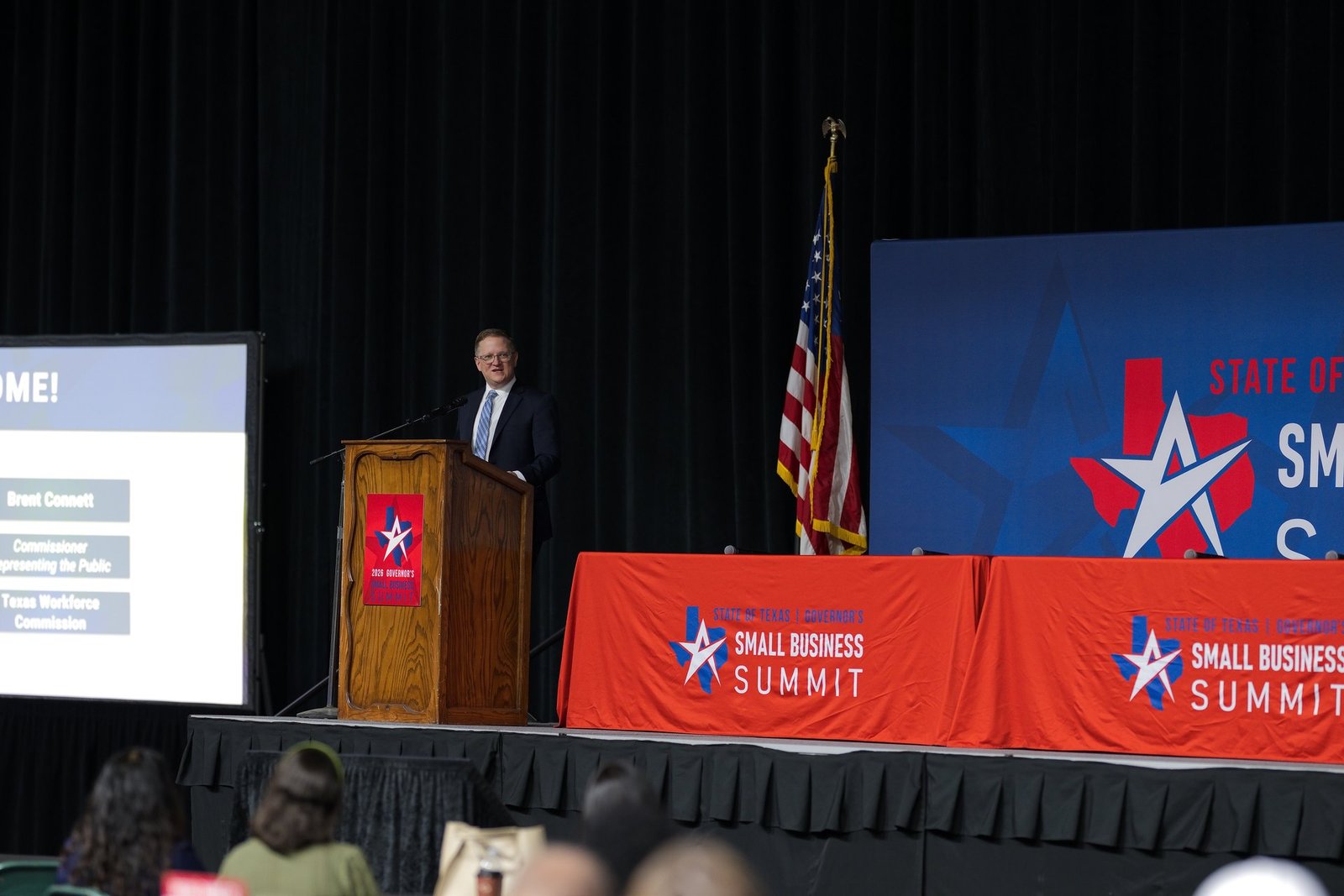
We are a San Antonio event and headshot studio. Our main stills cameras have been the Nikon Z9 and Z8 since they launched, and we are not a video production company. But more and more conferences, summits, galas and church or school events now stream their sessions or record them for later, and the gear running those streams affects the room we work in. Here is what these two cameras are, and what they mean if you are planning an event.
OBSBOT Tail 2 ADV: long reach from one spot
The Tail 2 ADV is the “big room” model. The headline is reach:
- 21x optical zoom (40x hybrid), so one camera at the back of a ballroom can go from a full-stage wide shot to a tight shot of the speaker without being moved.
- Variable aperture, listed at f/1.7 to f/7 at the wide end and f/3.8 to f/7 at full zoom, to handle bright stage lights and darker rooms.
- OBSBOT Log and LUTs for more grading room and a consistent look across cameras.
- Pro connections: HDMI, 3G-SDI, USB-C, Ethernet, RS-232 and audio inputs, plus NDI HX3, SRT, RTMP/RTSP, VISCA, Pelco and FreeD support. In plain terms, it is meant to plug into real switchers and streaming setups, not just a laptop.
OBSBOT Tail Air 2: bigger sensor, smarter tracking
The Tail Air 2 is the smaller, more creator-focused model:
- A 1-inch CMOS sensor with 4K at 60 fps and 1080p at 120 fps.
- A dedicated AI image processing chip that OBSBOT says cuts noise in low light.
- AI Tracking 2.0 and new AI Director Grids, which put tracking, presets and quick camera moves in one grid so a single operator can switch shots with a tap.
- The same Log and LUT support as the ADV.
Why PTZ cameras matter at events
A PTZ camera sits on a tripod or mount and is driven remotely. One person at a laptop or controller can run several of them. For event organizers, that usually means a smaller video crew, fewer people walking the aisles, and a stream that can still cut between wide, medium and close shots.
The two upgrades here line up with real event problems:
- Distance. In convention halls and ballrooms the video position is often far from the stage. Longer optical zoom keeps the speaker sharp without moving the camera into the audience.
- Low light. Panels, awards nights and breakout rooms are rarely bright. A bigger sensor and better noise control help the stream look cleaner.
- Matching cameras. Log and LUT support make it easier to match a PTZ to other cameras, so a multi-camera stream does not jump in color every time it cuts.
What this means for your stills coverage
Here is the part most event planners do not think about until the day of: video and photo teams share the same room. A few practical tips if your San Antonio event will have a livestream or a recorded session:
- Tell your photographer where the video positions are. PTZ cameras often sit on the center aisle or at the back riser, which is also a great still angle. Knowing early lets us plan around the camera and stay out of its shot.
- Remote cameras help photographers too. Fewer camera operators walking the aisles means cleaner wide shots of the room and less chance of someone with a rig blocking the stage.
- Stage lighting is shared. If the video team is adjusting for a dark room, ask that the stage stays evenly lit. Better light helps the stream and the photos.
- A stream is not a photo package. Screen grabs from video rarely work for press releases, sponsor recaps, websites or printed materials. Plan for both if you need both.
- Headshot stations can run during the program. If attendees are in sessions being streamed, a headshot station near the registration or networking area keeps a steady flow between talks.
Should you wait or buy?
If you run streams for a church, school, business or venue and already use PTZ cameras, the Tail 2 ADV’s zoom and pro connections are the bigger news, especially for larger rooms. If you mostly stream smaller talks, podcasts or classes, the Tail Air 2’s 1-inch sensor and easier AI controls may be a better fit. Either way, wait for final pricing and real-world reviews after the November 4 pre-order date, and check whether the trade-in offer makes sense for the camera you have now.
Want to compare current OBSBOT Tail models and PTZ cameras? Buy at Adorama: shop OBSBOT Tail PTZ cameras.
Disclosure: some links in this post are affiliate links, which means Grey Bug Photography may earn a small commission if you buy through them, at no extra cost to you.
Our take
PTZ cameras keep getting better, smaller and easier to run, and that is good news for event organizers who want a stream without a big crew. The best results still come from planning: decide early what you need on video, what you need in photos, and make sure both teams know the room. If you are planning a conference, summit or company event in San Antonio and want event photography or on-site headshots that work alongside your video team, contact Grey Bug Photography and tell us about your event.
Sources: OBSBOT’s Tail 2 ADV and Tail Air 2 launch and trade-in pages, and What Digital Camera’s October 30, 2026 report. Specs and pricing may change before release.